Official Reseller
100% Genuine
Instant Delivery
Via Email
24/7 Support
Live Chat
Official Autodesk Reseller
Activated on Autodesk.com • Email invitation sent instantly
Satisfied or Money Back
Not satisfied? Test our service for 48h and get a full refund
Product Details
Autodesk All Apps Collection – Official License
Complete access to 95+ professional design, engineering, and creative applications with AI capabilities included
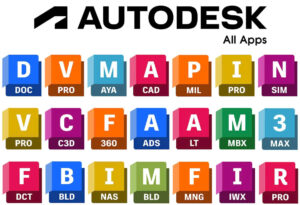
Package Overview
- License Type: Official Autodesk Subscription
- Applications Included: 95+ Professional Tools
- Device Limit: Up to 3 Simultaneous Devices
- Platform Support: Windows, macOS, iOS, Android, Linux
- Version Access: 2018-2026 Releases
- AI Features: Fully Included
- Activation Time: 5 Minutes to 8 Hours
Complete Software Collection - 95+ Applications
Architecture & Design Suite
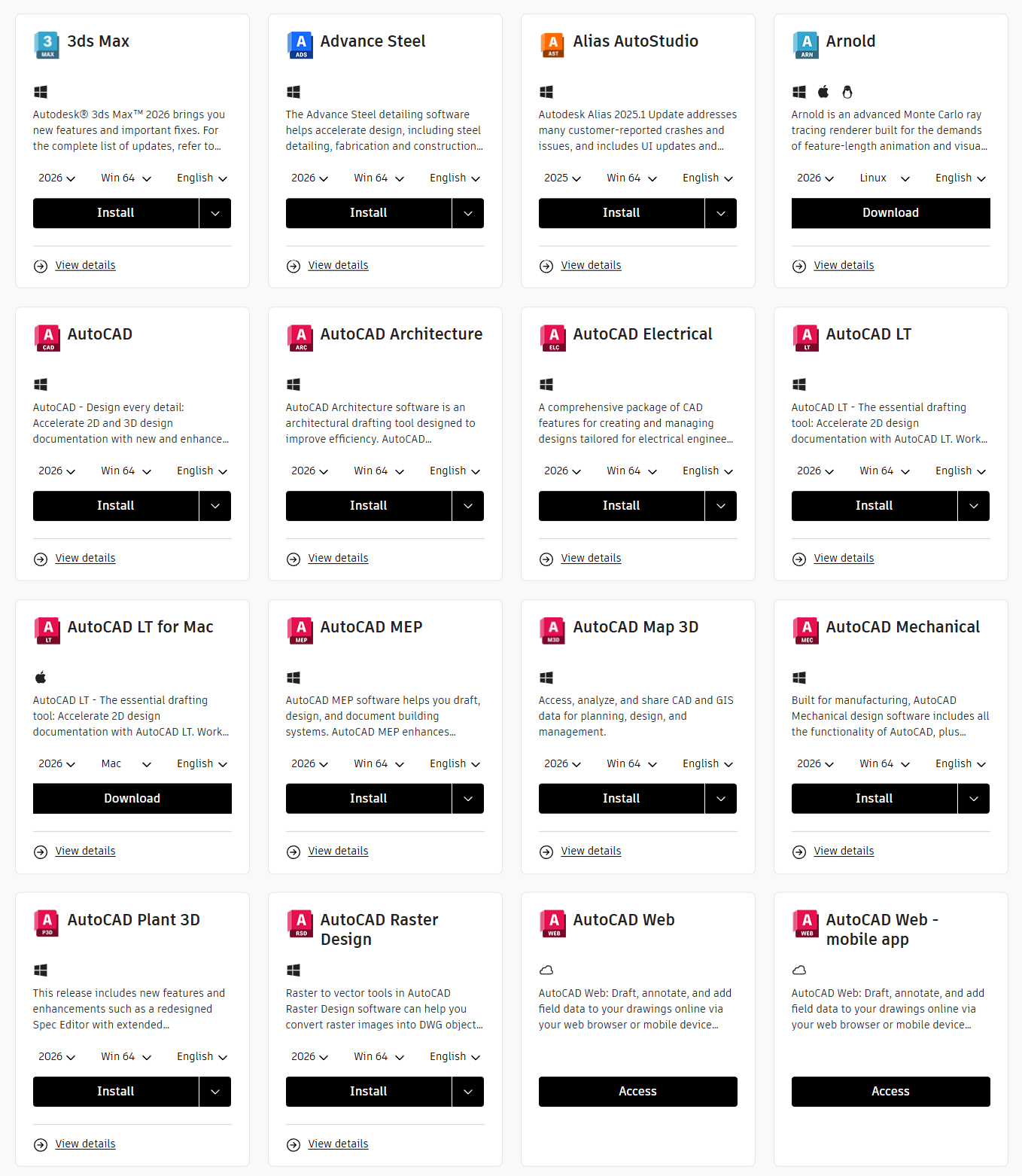
AutoCAD Family
- AutoCAD – Industry-standard 2D and 3D CAD design
- AutoCAD LT – Streamlined 2D drafting and documentation
- AutoCAD Architecture – Specialized architectural design tools
- AutoCAD MEP – Mechanical, electrical, and plumbing design
- AutoCAD Electrical – Electrical control systems design
- AutoCAD Plant 3D – Plant design and engineering
- AutoCAD Map 3D – GIS and mapping solutions
Building Design & BIM
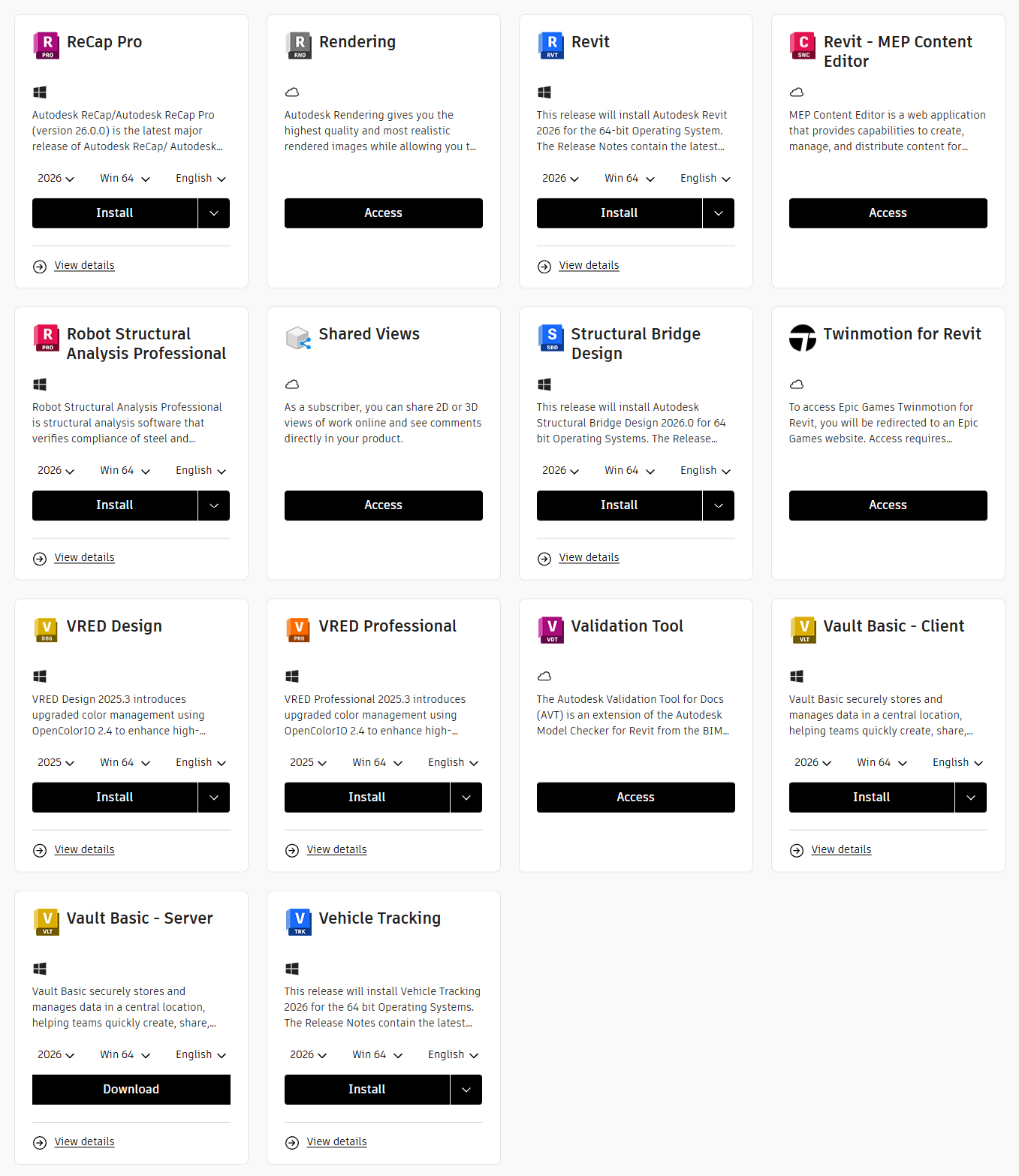
- Revit – Complete BIM and architectural design platform
- Revit LT – Simplified BIM modeling solution
- Revit MEP – Building systems design and analysis
- Advance Steel – Structural steel detailing and fabrication
- Navisworks Manage – Project review and coordination
- Navisworks Simulate – 5D analysis and simulation
3D Modeling & Animation
- 3ds Max – Professional 3D modeling, animation, and rendering
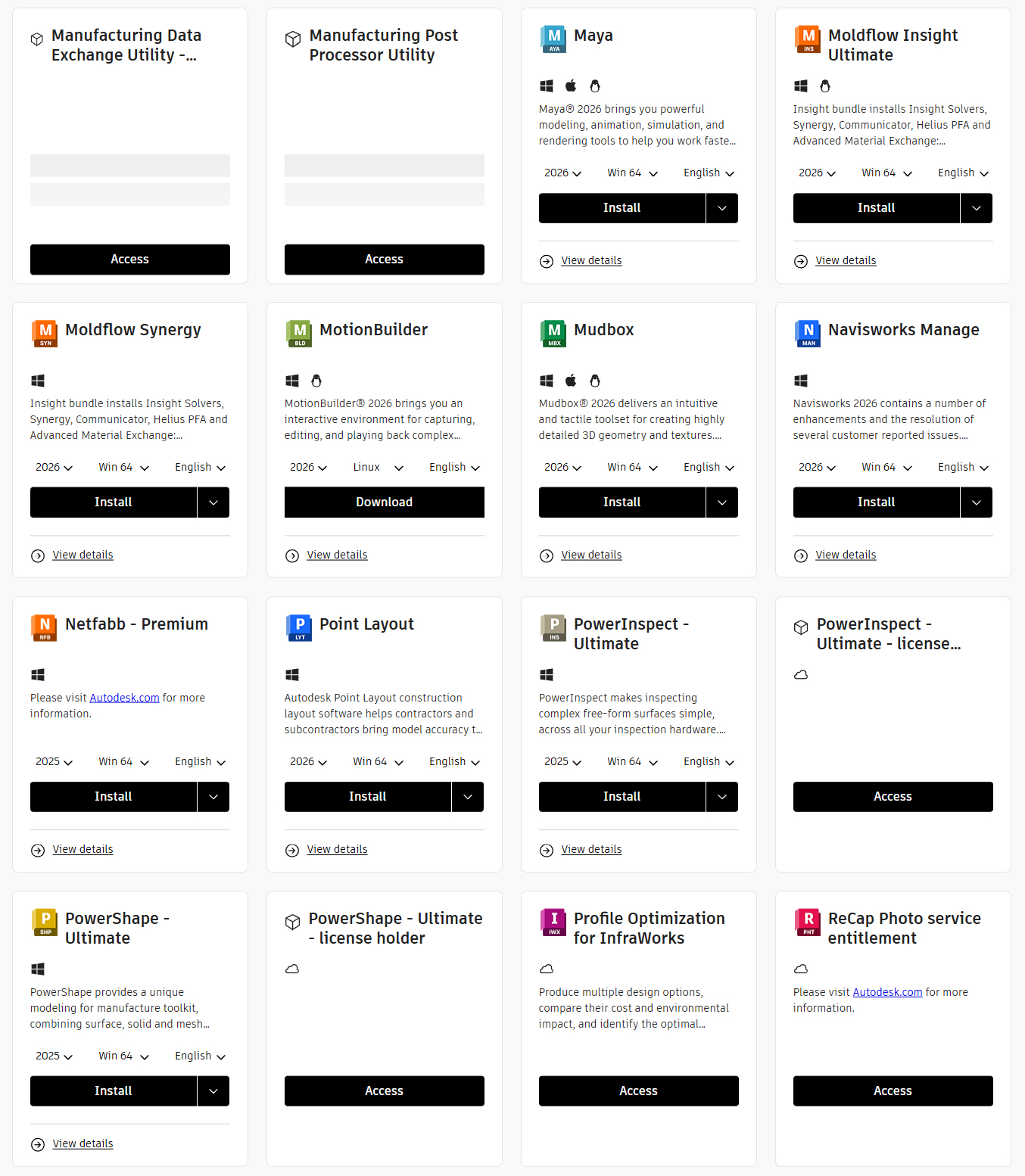
- Maya – Advanced 3D animation, modeling, and simulation
- Maya LT – Game development focused 3D tools
- MotionBuilder – Motion capture and animation editing
- Mudbox – Digital sculpting and texture painting
Visualization & Rendering
- VRED Professional – Automotive visualization and design review
- VRED Design – Design visualization and presentation
- VRED Presenter – Interactive presentations and reviews
- Alias AutoStudio – Automotive design and surfacing
- Alias Surface – Class-A surfacing for industrial design
- Alias Design – Industrial design and concept modeling
- Arnold – Advanced rendering engine
Engineering & Simulation Suite
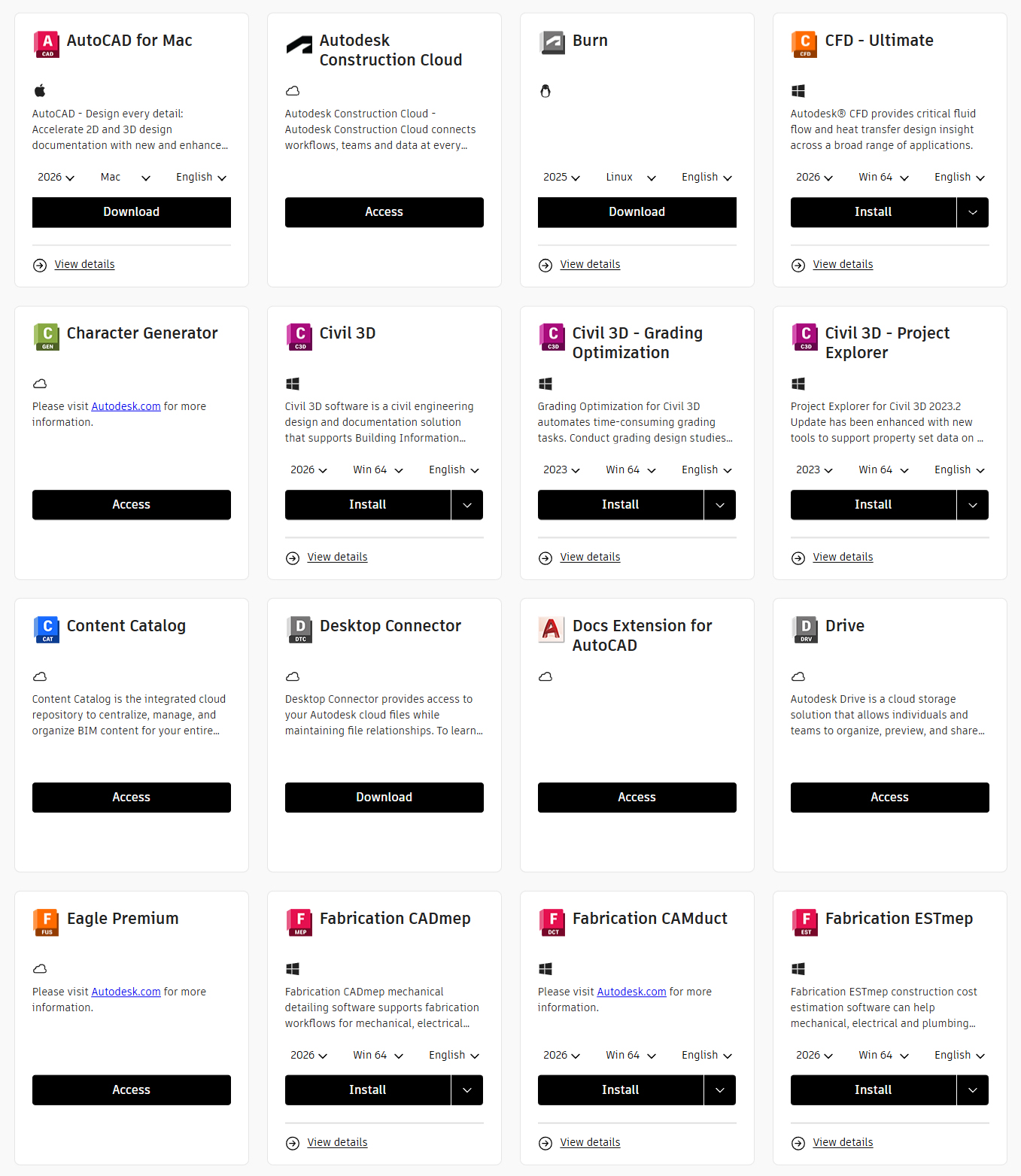
Civil Engineering
- Civil 3D – Civil engineering design and documentation
- Civil 3D Grading Optimization – Earthwork optimization
- InfraWorks – Infrastructure design and visualization
- Storm and Sanitary Analysis – Drainage system design
- Vehicle Tracking – Swept path analysis for vehicles
Mechanical Design
- Inventor Professional – 3D mechanical design and simulation
- Inventor LT – 2D and 3D mechanical CAD
- Inventor Nastran – Finite element analysis (FEA)
- Inventor Nesting – Material optimization and nesting
- Inventor CAM – Integrated CAM programming
- Inventor Tolerance Analysis – Dimensional variation analysis
Structural Analysis
- Robot Structural Analysis Professional – Structural simulation
- Advance Steel – Steel detailing and fabrication
- Structural Bridge Design – Bridge engineering and analysis
Simulation & Analysis
- CFD Ultimate – Computational fluid dynamics
- CFD Motion – Fluid-structure interaction analysis
- CFD Design Study Environment – Design exploration and optimization
- Moldflow Adviser Ultimate – Plastic injection molding simulation
- Moldflow Insight Ultimate – Advanced molding simulation
- Moldflow Synergy – Collaborative simulation environment
Product Design & Manufacturing Suite
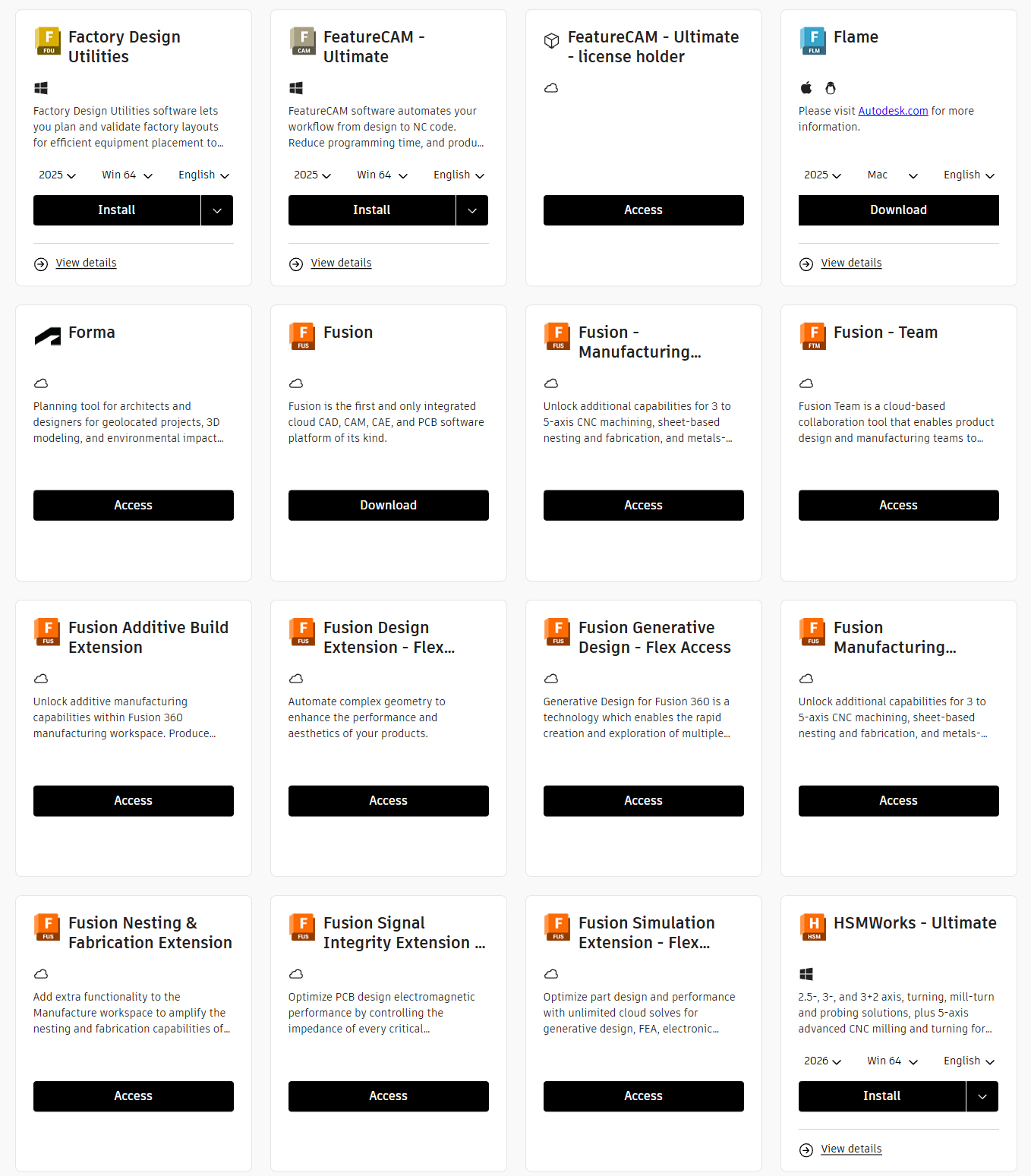
Integrated CAD/CAM/CAE
- Fusion 360 – Cloud-based product development platform
- Fusion 360 with Machining Extension – Advanced CAM capabilities
- Fusion 360 with Generative Design Extension – AI-powered design optimization
- Fusion 360 with Simulation Extension – Advanced FEA simulation
- Fusion 360 with Nesting & Fabrication Extension – Sheet metal optimization
Manufacturing & Fabrication
- HSMWorks – CAM for SolidWorks integration
- FeatureCAM Ultimate – Automated CNC programming
- PowerMill Ultimate – Advanced CNC machining software
- PowerShape – Hybrid modeling for manufacturing
- PowerInspect Ultimate – Inspection and quality control
- PartMaker – Swiss-type and mill-turn programming
Additive Manufacturing
- Netfabb Premium – Additive manufacturing preparation
- Netfabb Standard – 3D print preparation and optimization
- Netfabb Local Simulation – Build simulation and analysis
Factory & Production
- Factory Design Utilities – Factory layout design
- Vault Basic – Data management system
- Vault Professional – Advanced PDM solution
- Vault Office – Document management integration
Media & Entertainment Suite
Animation & VFX
- Maya – Industry-standard 3D animation software
- 3ds Max – Modeling and rendering for games and design
- MotionBuilder – Motion capture editing and animation
- Mudbox – Digital sculpting and painting
- Arnold – Advanced rendering engine
- Flame – Finishing and visual effects
- Smoke – Video editing and effects
Game Development
- Maya LT – Game asset creation and animation
- 3ds Max – Game environment design and modeling
- Stingray – Game engine (legacy versions)
Collaboration & Cloud Services
Cloud Collaboration
- Autodesk Construction Cloud – Project management and collaboration
- BIM 360 Design – Cloud-based BIM collaboration
- BIM 360 Docs – Document management and sharing
- BIM 360 Build – Construction management platform
- BIM 360 Coordinate – Clash detection and coordination
Data Management
- Vault Basic Client – File management and version control
- Vault Basic Server – Centralized storage solution
- Autodesk Drive – Cloud storage and file sharing
- Desktop Connector – Cloud file access and sync
- Shared Views – Design review and markup
Mobile & Web Apps
- AutoCAD Web App – Browser-based CAD editing
- AutoCAD Mobile App – iOS and Android CAD application
- Revit Cloud Worksharing – Cloud-based collaboration
- FormIt Pro – Conceptual design mobile app
- Pype (AutoSpecs) – Specification management
Utilities & Extensions
Content & Libraries
- Content Catalog – Design content library and assets
- Autodesk Rendering – Cloud rendering service
- A360 Collaboration for Revit – Cloud worksharing
- Insight – Building performance analysis
- Green Building Studio – Energy analysis and optimization
Interoperability Tools
- ReCap Pro – Reality capture and 3D scanning
- ReCap Photo – Photogrammetry and 3D reconstruction
- FBX Converter – File format conversion utility
- Viewer – Free design file viewer
Activation Process
Step 1: Provide Your Email
Enter your email address during checkout. This will be registered as your Autodesk subscription email.
Step 2: Receive Official Confirmation
Existing Autodesk Users: Authorization email sent after activation
New Users: Registration invitation with setup instructions
Step 3: Access Your Software
Log in through your installed software or download from the Autodesk website
Step 4: Begin Working
Immediate access to all 95+ applications across your authorized devices
Professional Use Cases
Architects & Building Designers
- BIM modeling and coordination
- Architectural design and documentation
- Photorealistic visualization
- Construction documentation
Engineers
- Civil infrastructure design
- Mechanical product development
- Structural analysis and simulation
- MEP systems design
Product Designers & Manufacturers
- Concept to manufacturing workflow
- CNC programming and toolpaths
- Engineering simulation
- Additive manufacturing preparation
3D Artists & Animators
- Character animation and rigging
- Visual effects production
- Game asset creation
- High-quality rendering
Construction Professionals
- Project coordination and clash detection
- Construction management and scheduling
- Field management and mobile access
- Quality control and inspections
Game Developers & VFX Artists
- Game asset creation and optimization
- Character rigging and animation
- Visual effects and particle systems
- Real-time and offline rendering
Multi-Platform Access
- Desktop Applications: Full-featured software for Windows and macOS
- Mobile Apps: iOS and Android applications for on-the-go access
- Web Applications: Browser-based tools, no installation required
- Cloud Services: Collaboration and rendering in the cloud
- Multi-Device Sync: Work seamlessly across up to 3 devices
Collection vs Individual Apps
| Feature | Individual Apps | All Apps Collection |
|---|---|---|
| Number of Apps | 1-3 Apps | 95+ Apps |
| AI Features | Limited | All Included |
| Cloud Collaboration | Extra Cost | Included |
| Mobile Apps | Limited | All Platforms |
| Updates & Support | Per App | All Apps |
| Device Limit | 1-2 Devices | 3 Devices |
| Version Access | Current Only | 2018-2026 |
| No Watermark | Varies | Guaranteed |
Key Features
- Professional Output: No watermarks or limitations
- Complete Feature Access: All tools and capabilities unlocked
- Global Activation: Works worldwide with all language support
- Multi-Platform: Windows, macOS, iOS, Android, Linux
- Device Flexibility: Up to 3 simultaneous installations
- Version Access: 2018-2026 releases available
- AI Integration: Latest artificial intelligence features included
- Cloud Services: Collaboration and rendering capabilities
- Regular Updates: Continuous improvements throughout subscription period
Secure Your License Today
Official Autodesk license with complete access to 95+ professional applications
Activation within 5 minutes to 8 hours | Multi-device support | AI features included
Frequently Asked Questions
Is this an official Autodesk license?
Yes. This is a genuine Autodesk license that activates directly on your personal Autodesk account with full access to all features and no restrictions.
How many devices can I use?
You can install and use the software on up to 3 devices simultaneously, including any combination of Windows, macOS, iOS, Android, or Linux devices.
What is the activation timeframe?
Activation is completed within 5 minutes to 8 hours after purchase. You will receive an official email from Autodesk with your license details and activation instructions.
Will there be watermarks on my work?
No. This is a full professional license with all features unlocked. Your work will have no watermarks and is ready for professional use and client delivery.
Which versions are included?
You receive access to all versions from 2018 to 2026, including the latest releases with AI features. You can install any version required for your projects.
What support is available?
We provide 24/7 support via email and web chat. Our team will assist you with any activation or technical issues promptly and efficiently.
What about updates during my subscription?
You will receive all updates and new features released during your subscription period, including AI enhancements, new tools, and performance improvements.
Our Guarantee
48-Hour Satisfaction Guarantee:
- Activation not received: Full refund
- Activation failed: Full refund
- Not satisfied within 48 hours: Full refund
24/7 Support Available via Email and Web Chat
Why Choose This Collection
- Instant to Fast Delivery: Activation within 5 minutes to 8 hours
- Trusted Service: Rated 4.99/5 based on 194+ reviews
- Exceptional Value: Save thousands compared to retail pricing
- Flexible Terms: Choose 1, 2, or 3 year subscriptions
- 48-Hour Money-Back: Buy with complete confidence
- Global Support: Worldwide activation, all languages
- 100% Official: Genuine Autodesk licenses only
- 24/7 Support: Always available to assist you
Frequently Asked Questions
Yes! This is 100% genuine Autodesk software. You'll receive an official email invitation directly from Autodesk to activate your license on their website (autodesk.com).
Your Autodesk license is delivered instantly! After completing your payment, you will receive an email invitation from Autodesk within few hours.
Yes! Autodesk licenses allow installation on up to 3 devices. You can use Windows, Mac, or both.
We offer a 2-day money-back guarantee. If you're not satisfied with your purchase, contact our support team within 2 days.
Customer Reviews
Incredible value! The Autodesk All Apps Bundle 2026 was significantly cheaper than buying directly. Instant delivery and the product is authentic. Will definitely use softsos.com again!
Amazing price for the Autodesk All Apps Bundle 2026! I was skeptical at first, but the product is genuine. Highly recommend softsos.com.
Authentic product and fast delivery! I was surprised by how much cheaper the Autodesk All Apps Bundle 2026 was here. Will definitely buy from softsos.com again.
Excellent price for a genuine product! Autodesk All Apps Bundle 2026 was delivered instantly. Great experience with softsos.com.
I was hesitant, but softsos.com delivered! Autodesk All Apps Bundle 2026 at an unbeatable price. Quick and easy download.
Fantastic! The Autodesk All Apps Bundle 2026 was a steal. Softsos.com is now my go-to for software.
All Autodesk Products
Browse through all available products
Autodesk Revit 2026
Autodesk Autocad 2026 - All Toolset
Autodesk Golaem 2026
Autodesk Maya 2026
Autodesk 3ds Max 2026
Autodesk Navisworks Manage 2026
Autodesk Autocad Electrical 2026